What is the outcome?
By completing this program, you don’t just “learn ROS.”
You develop the structured thinking, architectural clarity, and deployment mindset required to design and implement complete robotic systems — from simulation to real-world industrial applications.
After completing this pathway, you will be able to:
- Architect ROS & ROS2 systems instead of copy-pasting nodes
- Integrate 2D/3D vision pipelines into robotic workflows
- Move from Gazebo simulation to real robot deployment (Sim2Real)
- Design scalable automation solutions for pick & place, inspection, path planning, and more
- Confidently explain and justify your system architecture to managers, professors, or clients
This program is designed to transform you from a ROS user into a Robotics Software Engineer capable of delivering real automation solutions.
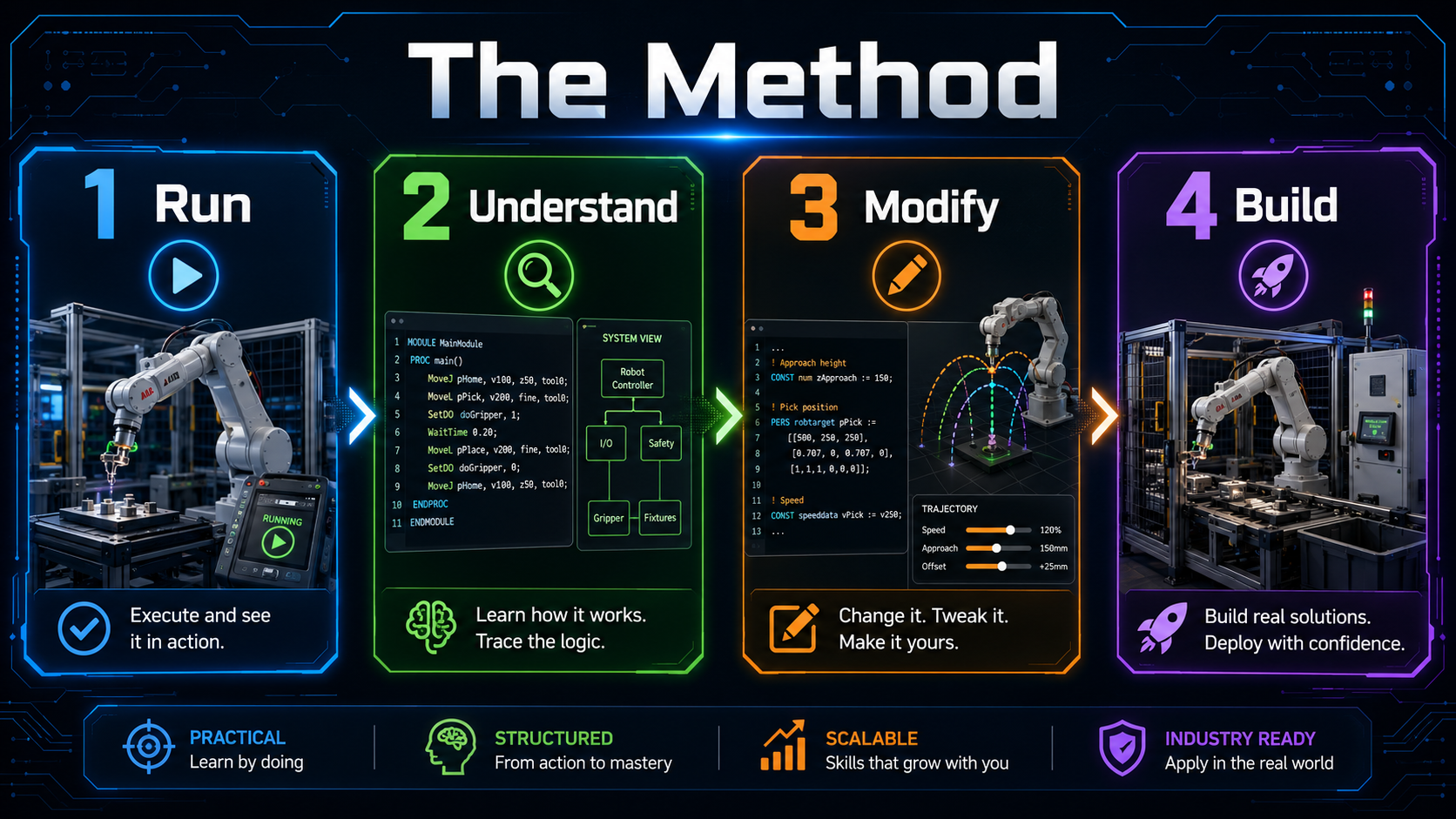
A Structured Engineering Pathway — Not a Collection of Tutorials
Most robotics learners lose years navigating fragmented documentation, inconsistent examples, and partial explanations.
This course was built to eliminate that inefficiency.
Starting from the fundamentals, you will progressively build:
- Core ROS/ROS2 architecture understanding
- Modular system design skills
- Motion planning with MoveIt
- 2D and 3D vision integration
- Simulation validation in Gazebo
- Real-world deployment with an integrated vision pipeline
Every lesson follows a clear methodology:
- What you are building
- Why the architecture is designed that way
- How to implement it correctly
Instead of trial-and-error learning, you follow a coherent engineering roadmap that accelerates your competence without sacrificing depth.
By the end of the program, you won’t just know commands —
you will know how to design, build, and deploy reliable robotic systems in a structured, scalable way.
Program with ROS ROS2 and MoveIt
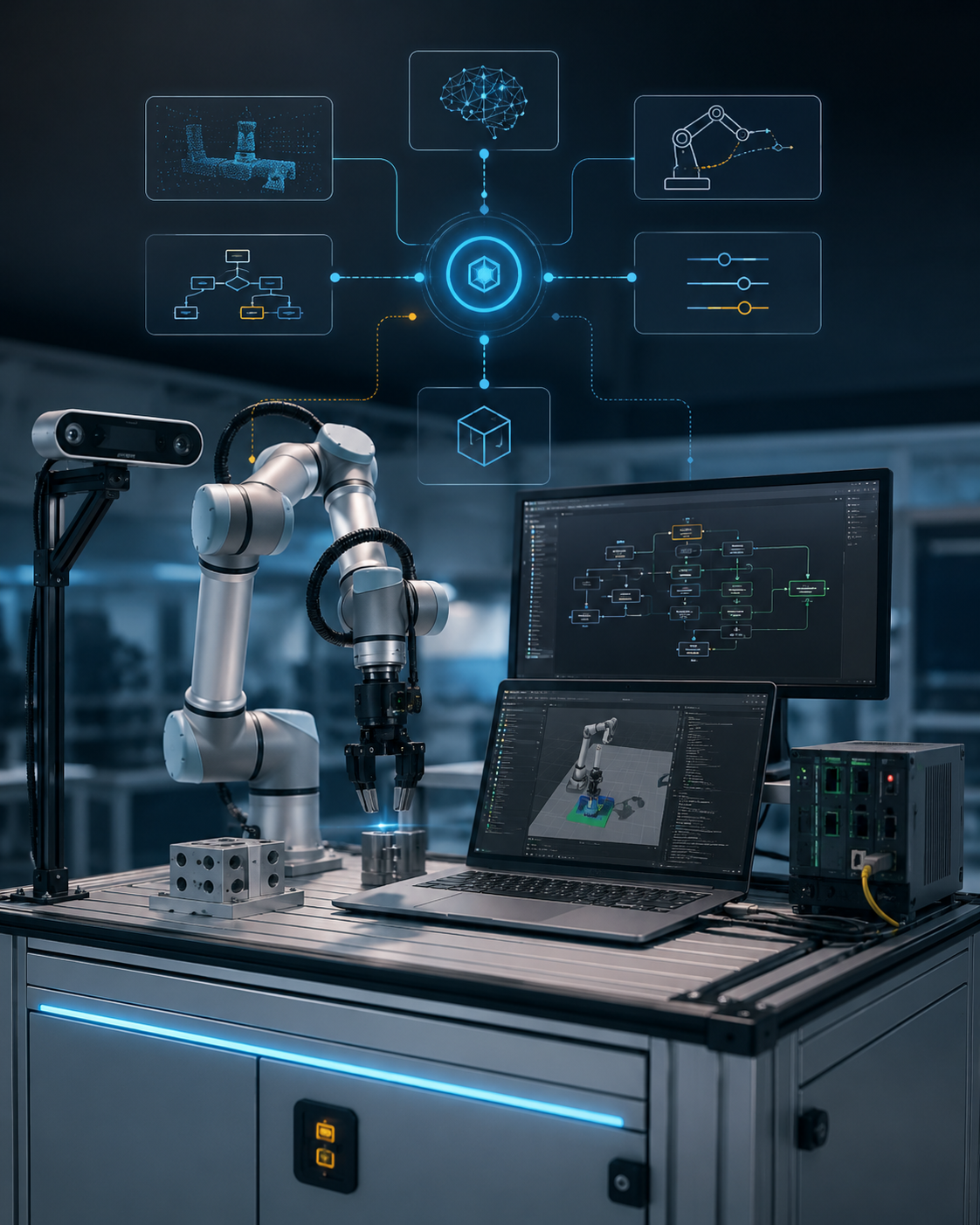
We are going to use Robot Operating System to program industrial application, thanks to its modularity and integration with other inverse kinematic Framework like MoveIt and Computer Vision
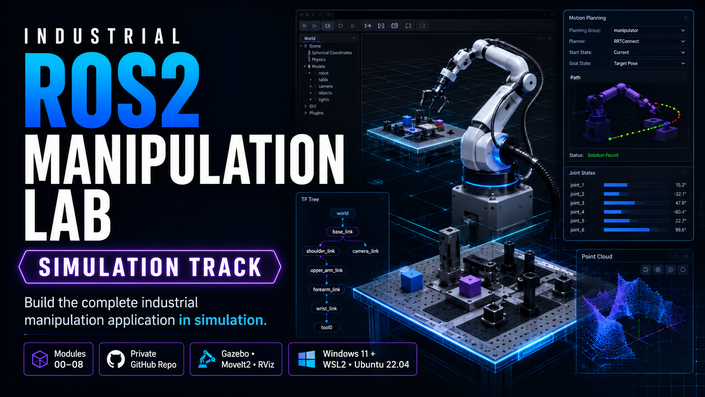
Simulation in Gazebo
We will test our robotics application in Gazebo, a physics software able to replicate the physics of the real world, in such a way that you can invest on the hardware only after feasability analysis
Computer vision
We will sense the environment with 2D and 3D tools like OpenCV and Point Cloud Library. You will be able to interface camera with ROS and code Object Detection and much more integrated with your Robotics application
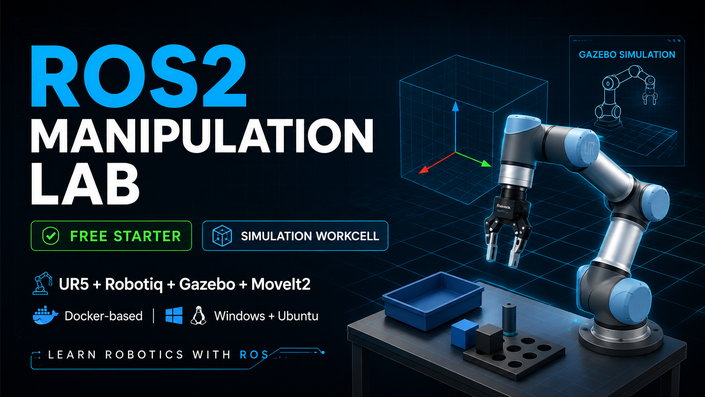
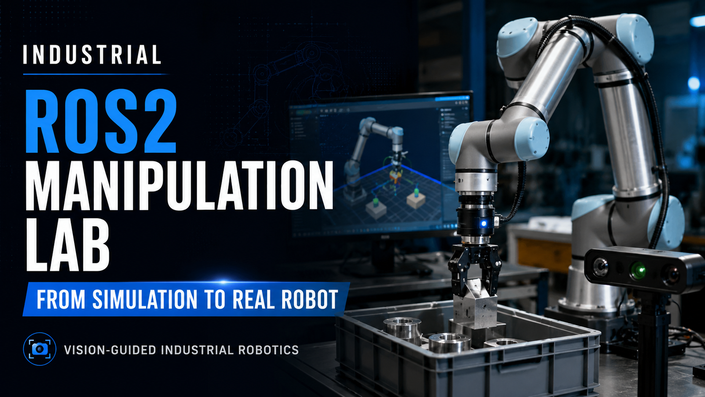
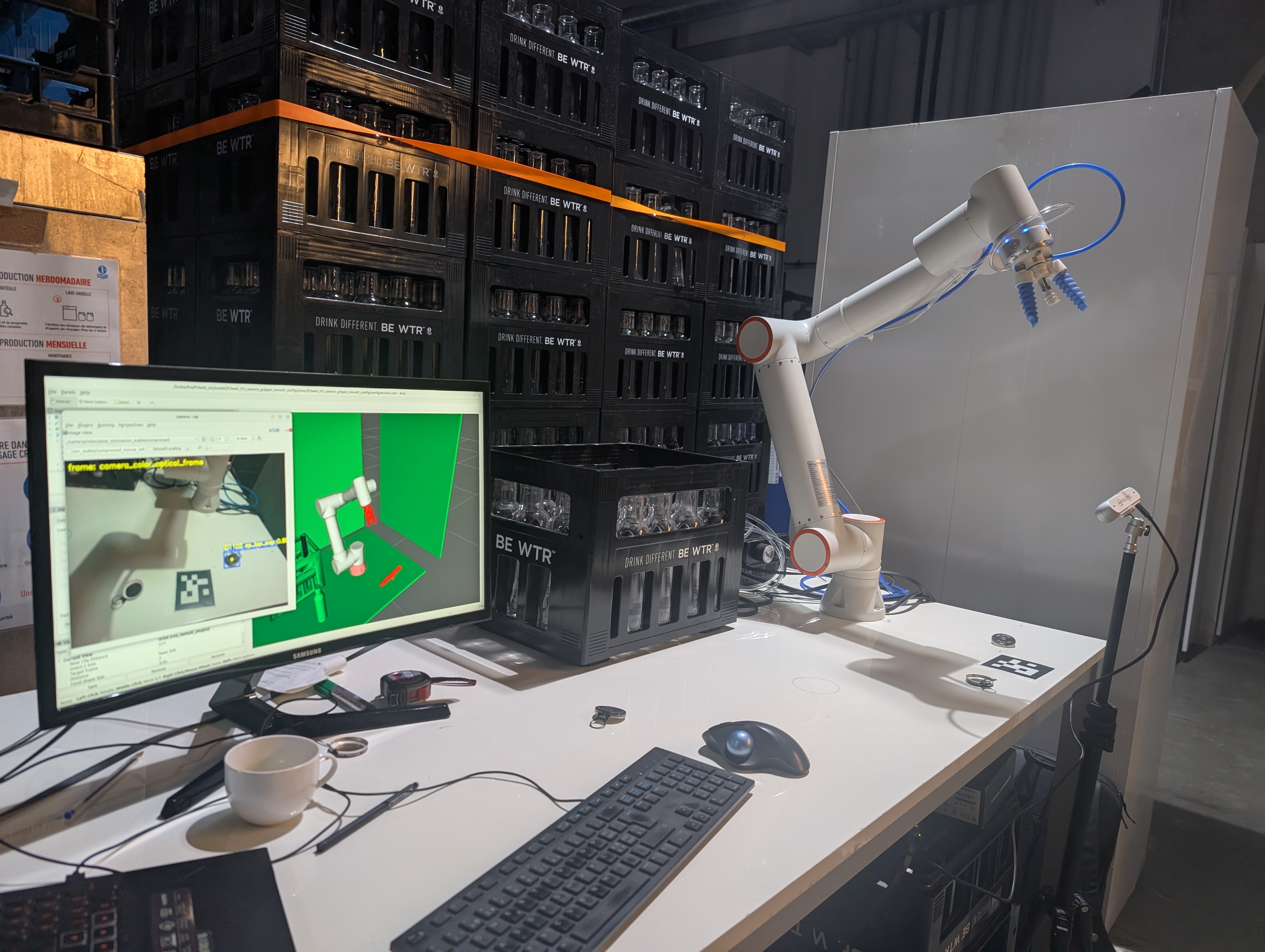
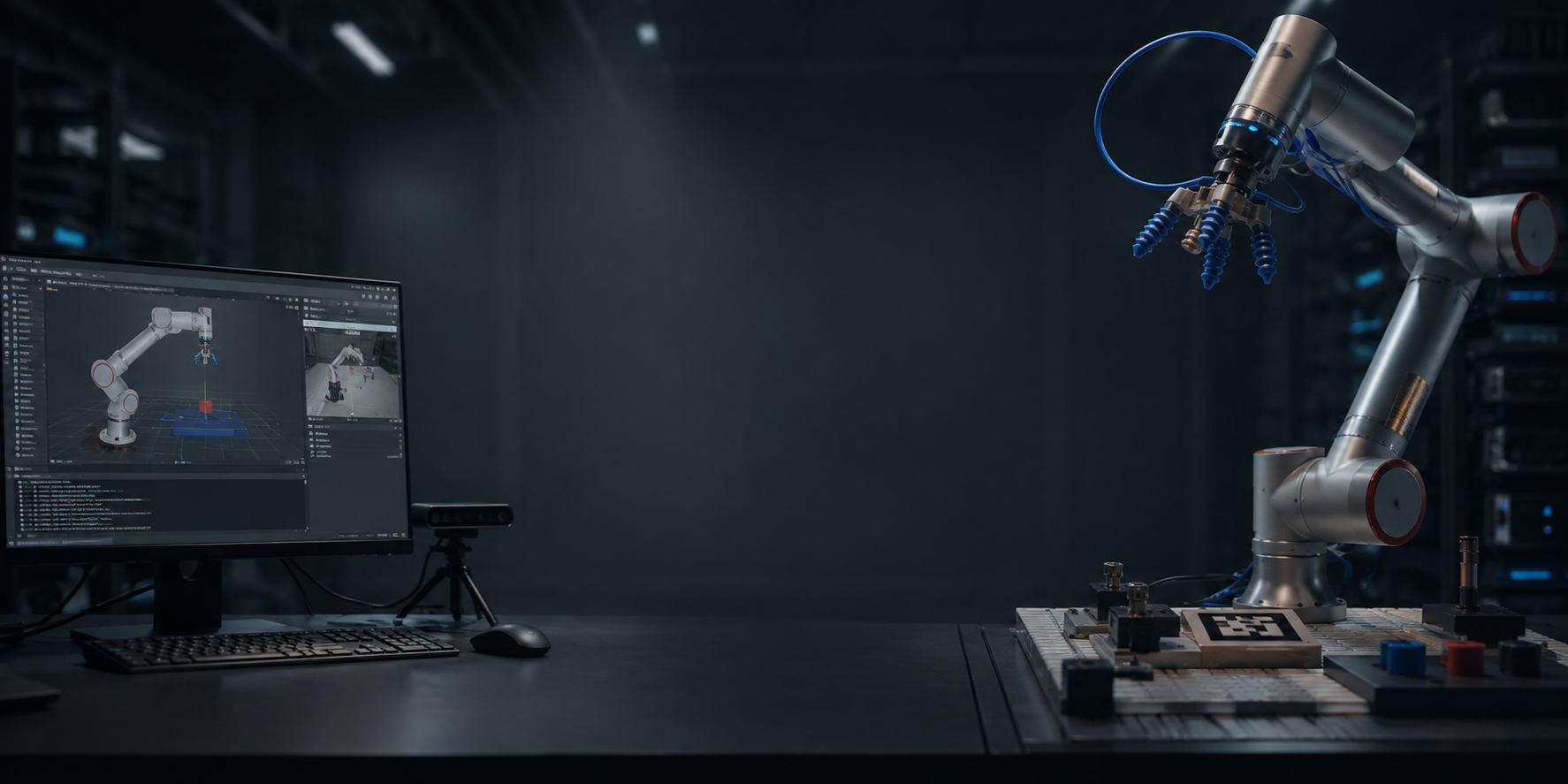
Sim2Real Deployment with FR3WML + SoftGripper + Suction cup
Bridge simulation to physical hardware using a real robot, depth camera, and inference pipeline.
Build Real Capability — Without Wasting Years
Learning robotics through random tutorials often leads to:
• Incomplete understanding
• Fragile architectures
• Systems that break outside demos
This program compresses the learning curve by providing a structured path —
so you reach real deployment competence in a fraction of the time it typically takes.
Not by skipping fundamentals.
But by organizing them correctly.
What you will learn
- Create ROS workspace (9:01)
- The ROS master and the nodes (23:21)
- Create a node in C++ (29:19)
- Create a node in Python (14:28)
- Create a publisher in C++ (14:31)
- Create a subscriber in C++ (19:42)
- Create a publisher in Python (12:48)
- Create a subscriber in Python and play with Turtlesim (23:31)
- Introduction on Services (18:01)
- Create a service server in C++ (20:59)
- Create a service client in C++ (16:28)
- Create a service server in Python (11:50)
- Create a service client in Python (15:07)
- Create a custom msg (18:13)
- Create a custom srv (4:43)
- Final Project with Turtlesim (95:59)
- ROS parameters (6:08)
- ROS launch file (10:58)
- Introduction to URDF file (7:41)
- Strategy to model your custom Robot (8:20)
- Start to create a custom Robot in URDF (12:48)
- Visualize the Robot in Rviz (13:44)
- Joint State and Robot State Publisher (10:24)
- Complete you custom robot (19:59)
- How to simplify your Robot model (15:05)
- How to model a gripper as end effector (22:55)
- How to clone a robot model from Github (33:21)
- How to clone a commercial robot: Universal Robot 5 (UR5) (25:08)
- How to setup a commercial Gripper: Robotiq (30:59)
- Spawn your Robot in Gazebo (11:54)
- Introduction to ROS Control (8:17)
- How to calculate intertia values for your custom robot (22:01)
- How to configure transmission for the joints of your custom robot (14:57)
- How to put a Gazebo plugin (14:12)
- How to create and configure controllers for your Custom Robot Joints (17:08)
- How to spawn controllers of your robot joint (19:30)
- How to tune PID Controllers for your Custom Robot Joints (87:26)
- Forward Kinematics with Custom Robot (9:48)
- How to use Transform (3:31)
- Hot to grasp an object in Gazebo without slipping (26:33)
- JointPositionController VS JointTrajectoryController (12:52)
- Introduction to MoveIt (12:08)
- Create a MoveIt configuration Package (19:00)
- Play with Motion Planning and update the MoveIt package (36:37)
- ROS Control for MoveIt (11:09)
- Create an Inverse Kinematics node (28:55)
- How to setup the orientation and position of the end effector (19:30)
- How to make Collision Objects in Rviz (23:37)
- How to code Pick and Place (51:06)
- How to adapt the inverse Kinematics node to another robot (37:30)
- How to code Pick and Place with Grasp Class
- Why Computer Vision in Robotics (20:33)
- Strategy to integrate perception with robotic arm (14:01)
- Type of Perceptions: HSV (11:53)
- Type of Perceptions: SURF (6:21)
- Type of Perceptions: PCL (4:05)
- How to deploy a 2D camera (23:52)
- Get an Image with OpenCV (37:04)
- Stream the Image with OpenCV (6:15)
- Edge Detection with OpenCV (46:49)
- Get the position of the object in the Image (46:03)
- Convert the object position with the respect of camera_link (80:14)
- How to tackle this project (9:13)
- Adapt the Computer Vision node (16:43)
- Create the service to transform data from camera_link to base_link frame (61:42)
- Pick and Place with 2D camera (53:54)
- Pick and Place with Grasp class (36:21)
- Pick and Place with UR5 and Robotiq gripper in Gazebo / real word (38:53)
- Pick and Place with UR5 Robotiq gripper and 3D camera (9:58)
- Differences between ROS and ROS2 (10:51)
- ROS and ROS2 distributions
- Install and setup ROS2 Humble (14:04)
- Create ROS2 Workspace (9:19)
- Install VS code in Ubuntu 22.04 and ROS2 setup (4:18)
- Create packages and basic node in C++ (37:39)
- Write a Topic Publisher Subscriber in C++ (37:30)
- Create packages and basic node in Python (30:00)
- Write a Topic Publisher Subscriber in Python (21:46)
- Create Custom Interface (11:47)
- Write a service in Python (15:38)
- Write a Service in C++ (17:55)
- ROS parameters in ROS2 (29:57)
- Create a Launch file (30:50)
- Migration strategy (9:22)
- Migrate custom robot description package (28:23)
- ROS2 Control: understanding and deploying Joint Group Position Controller (54:23)
- ROS2 Control: setup and deploy Gripper Action Controller (16:20)
- ROS2 Control: setup and deploy Joint Trajectory Controller (12:19)
- ROS2 Control: Control the robot sending trajectory_msgs from C++ script (11:43)
- Replicate the .world from ROS1 (8:31)
- Deploy depth camera and the pick object (25:45)
- Create MoveIt2 configuration package for a custom robot (55:40)
- How to interface Moveit2 with Gazebo (18:24)
- Create an inverse kinematics node with MoveIt2 in C++ (23:39)
- How to simulate grasping with LinkAttacher in Gazebo (11:38)
- Pick and place with a Custom robot: Gazebo interfaced with Rviz (30:27)
- UR5, Depth Camera setup in Gazebo with MoveIt (81:24)
- Add Robotiq gripper to UR5 and setup in Gazebo with MoveIt (62:50)
- Setup the world and LinkAttacher for grasping (15:34)
- Test inverse kinematics with UR5 (20:46)
- Run Pick and Place with UR5 and Robotiq gripper (8:26)
- Point Cloud Library and 3D processing in ROS2 (52:12)
- Pick and Place with UR5 Robotiq Gripper using 3D camera in ROS2 (31:58)
- Resources and GitHub repository of the master class
- How to make your packages portable
- Fixing MoveIt Setup Assistant (MSA) Crash after ROS2 Updates
- Introduction - Why Docker for Robotics - Installation and Setting up your Environment (22:32)
- What is Docker under the Hood (13:19)
- How to Create an Image for simulating UR5 Gazebo with Rviz and MoveIt (50:03)
- How to run a Container (17:45)
- Volumes: Making Data Persistent (19:26)
- Using Docker for Complex Hardware — Isaac ROS RealSense Example (21:10)
- Multi-Container Robotics with Docker Compose: Connecting Services and Using the Host GUI (33:58)
- GUI in Docker (for Rviz, Gazebo, rqt) (12:43)
- Using Docker in VS Code and final wrap-up (13:31)
- Common Docker Commands Cheatsheet
- Creating the ROS2 Workspace & Cloning xarm_ros2 (12:02)
- Building the Custom Package my_xarm6: Robot, World, and Camera Setup (63:25)
- Creating the my_xarm6_app Package: First Motion Node (26:46)
- CNC Motion Node: Drawing Circles and Squares with Constant Orientation (37:50)
- Blind Pick and Place: Fixed Object Positions (29:03)
- Vision Integration with OpenCV: Depth Reconstruction via Intrinsics (38:32)
- Vision-Based Pick and Place + Custom Service Definition (35:17)
- Introduction to Ollama and LLM Integration (12:17)
- LLM Task Pipeline: Designing the Action-Oriented Architecture and System Prompt engineering (55:45)
- LLM-Driven Pick and Place: Updating System Prompt + Vision + Motion Integration (45:48)
- Test Robotics Tasks with LLM Ollama integrated in ROS2 (21:26)
- General Task LLM: Unified Prompt and Full Robot Commanding (CNC, pick place with vision, end effector control)) (24:59)